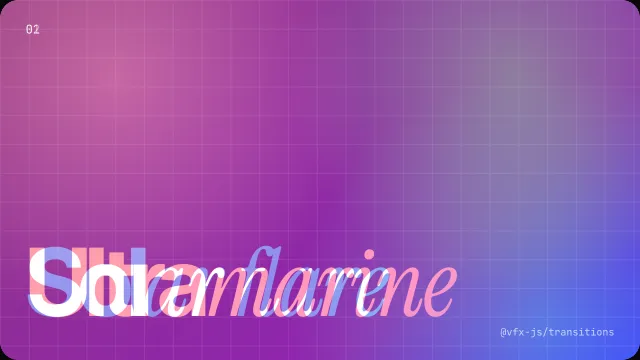
Crossfade
Plain mix. The default.
import { Crossfade } from "@vfx-js/transitions";

t.run(swap, { transition: Crossfade });Every preset in @vfx-js/transitions, grouped by what it suits. Each preset is a class. Pass it as transition, and its options as params.
Calm and short. The text stays readable, so they suit routes you click often.
CrossfadePlain mix. The default.
import { Crossfade } from "@vfx-js/transitions";
t.run(swap, { transition: Crossfade });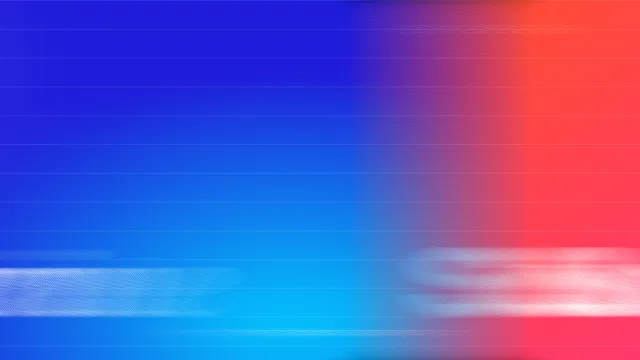
SwipeContent moves out, the new one follows it in.
import { Swipe } from "@vfx-js/transitions";

t.run(swap, { transition: Swipe, params: { direction: "left" } });| Param | Type | Default | |
|---|---|---|---|
direction | "left" | "right" | "up" | "down" | "left" | Where the old content moves. |
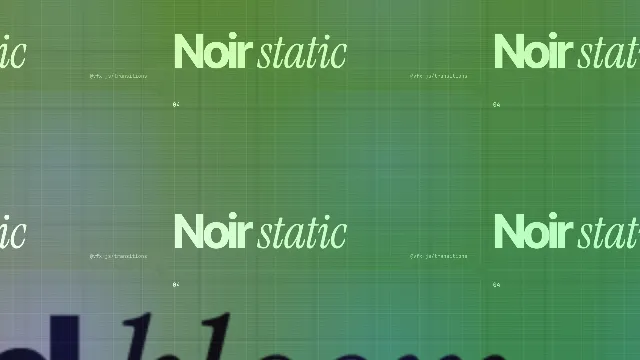
ZoomOld zooms in, new grows out of the center. Draws outside the element (overflow: true).
import { Zoom } from "@vfx-js/transitions";

t.run(swap, { transition: Zoom });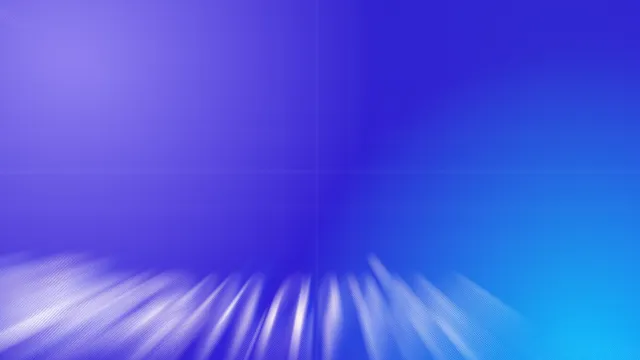
CrosszoomCrossfade through a zoom blur. Draws outside the element (overflow: true).
import { Crosszoom } from "@vfx-js/transitions";

t.run(swap, { transition: Crosszoom });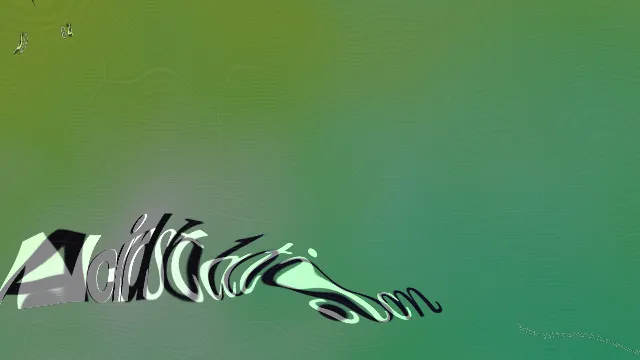
DistortFadeNoise warp while crossfading.
import { DistortFade } from "@vfx-js/transitions";

t.run(swap, { transition: DistortFade });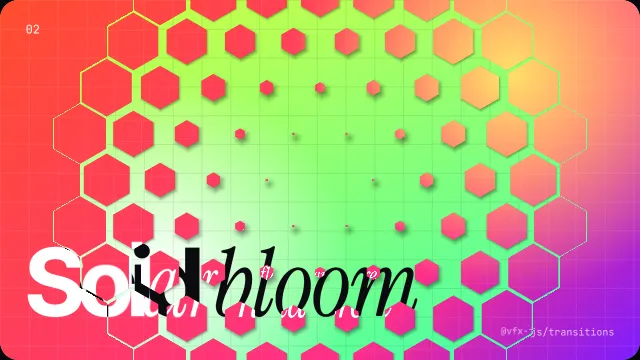
TileTiles shrink away to show the new content.
import { Tile } from "@vfx-js/transitions";

t.run(swap, { transition: Tile, params: { direction: "center" } });| Param | Type | Default | |
|---|---|---|---|
direction | "center" | "left" | "right" | "up" | "down" | "center" | Where the tiles start to shrink. |
shape | "hex" | "square" | "hex" | Tile shape. |
count | number | 12 | Tiles along the longer side. |
shadow | number (0–1) | 0.5 | Drop shadow under the shrinking tiles. 0 turns it off. |
Glitches and hard cuts. Use them for a moment you want people to notice.
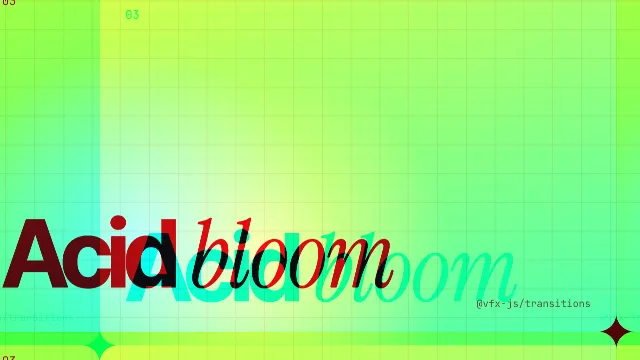
GlitchJittery RGB-split blocks.
import { Glitch } from "@vfx-js/transitions";

t.run(swap, { transition: Glitch, params: { amount: 1 } });| Param | Type | Default | |
|---|---|---|---|
amount | number | 1 | How far the blocks shift. |
speed | number | 1 | How fast the blocks jump. |
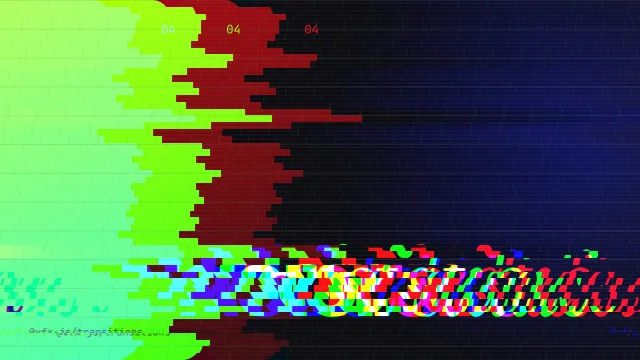
GlitchSlideSliding stripes with RGB split.
import { GlitchSlide } from "@vfx-js/transitions";

t.run(swap, { transition: GlitchSlide });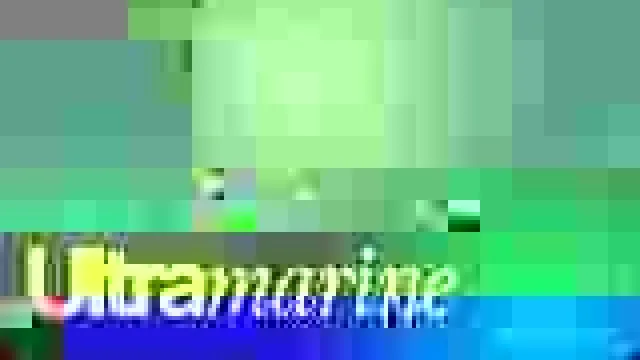
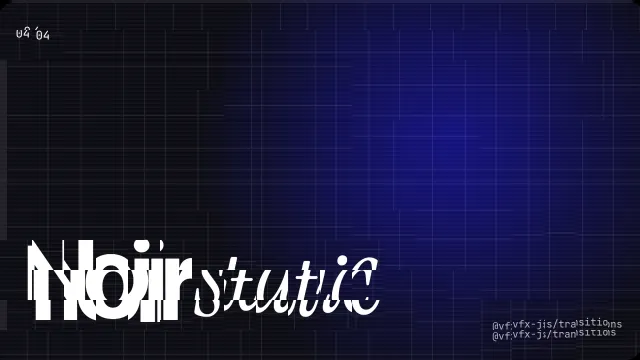
JpegGlitchHard cut through a real JPEG glitch.
import { JpegGlitch } from "@vfx-js/transitions";

t.run(swap, { transition: JpegGlitch, params: { iterations: 4 } });| Param | Type | Default | |
|---|---|---|---|
iterations | number | 4 | Encode and corrupt passes at the peak. More is messier. |
quality | number (0–1) | 0.1 | JPEG quality. Lower gives bigger blocks. |
DatamoshHard cut that heals block by block.
import { Datamosh } from "@vfx-js/transitions";

t.run(swap, { transition: Datamosh, params: { blockSize: 32 } });| Param | Type | Default | |
|---|---|---|---|
blockSize | number | 32 | Block size in px. 2 or more. |
LensDistortionLens warp with a rainbow split.
import { LensDistortion } from "@vfx-js/transitions";

t.run(swap, { transition: LensDistortion, params: { strength: 1 } });| Param | Type | Default | |
|---|---|---|---|
strength | number | 1 | How hard the lens warps. |
dispersion | number | 0.6 | Rainbow split. 0 turns it off. |
zoom | number | 3 | Old content zooms in this much, new zooms back out from it. 0 turns it off. |
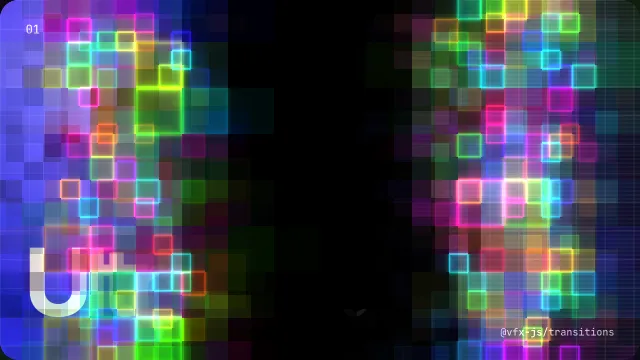
PixelScanA front of glowing pixel cells.
import { PixelScan } from "@vfx-js/transitions";

t.run(swap, { transition: PixelScan, params: { direction: "right" } });| Param | Type | Default | |
|---|---|---|---|
direction | "right" | "left" | "up" | "down" | "center" | "right" | Where the fronts sweep. center spreads out in rings. |
blackout | boolean | true | Fill the gap between old and new with black. false leaves it transparent. |
Smears and streaks that look best on photos, video and big color fields.

PixelsortMelts into sorted streaks and sorts back out.
import { Pixelsort } from "@vfx-js/transitions";

t.run(swap, { transition: Pixelsort, params: { direction: "up" } });| Param | Type | Default | |
|---|---|---|---|
direction | "up" | "down" | "left" | "right" | "up" | Where the old content melts. |
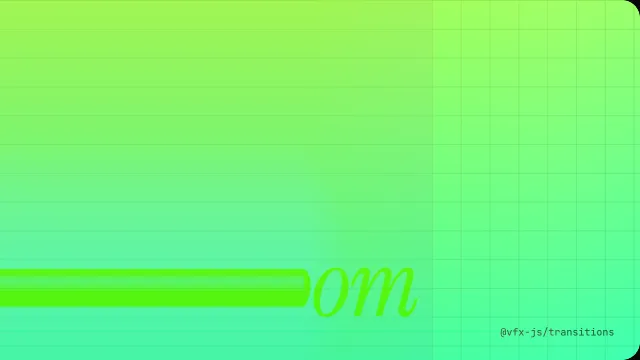
SlitScanSmears into stripes and back out.
import { SlitScan } from "@vfx-js/transitions";

t.run(swap, { transition: SlitScan });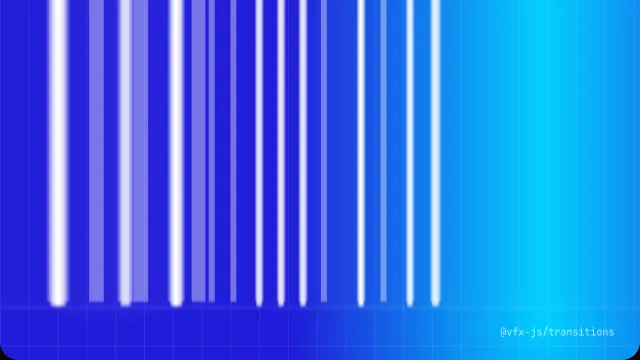
PixelStretchStretches into streaks from the top.
import { PixelStretch } from "@vfx-js/transitions";

t.run(swap, { transition: PixelStretch });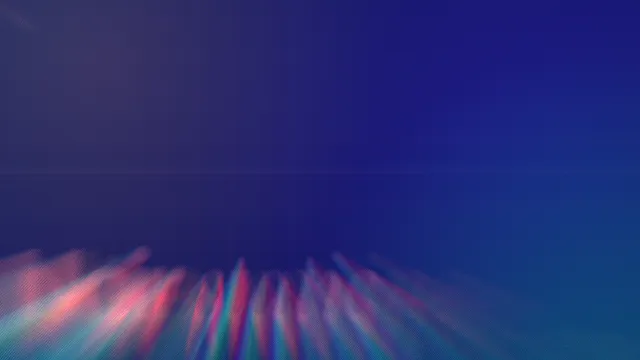
ZoomBlurRadial blur with RGB split. Draws outside the element (overflow: true).
import { ZoomBlur } from "@vfx-js/transitions";

t.run(swap, { transition: ZoomBlur });createGLTransition turns any shader from gl-transitions into a transition class. Look one up by its name. Its uniforms go in params. Shaders that need extra textures are not supported.
Try them all in the Playground, under the gl-transitions tab.
import { createGLTransition } from "@vfx-js/transitions";
import transitions from "gl-transitions";

const Cube = createGLTransition(transitions.find((t) => t.name === "Cube")!);
t.run(swap, { transition: Cube, params: { persp: 0.5 } });